iOS
- Open App Store > Profile.
- Scroll to Updates.
- Tap Update next to the app.
- Enable automatic updates in Settings if preferred.


10 FS in Lucky Dama Muerta + 10﹪

10 FS in Candy Monsta + 10﹪

30 FS in Miss Cherry Fruits + 15﹪
75 FS in Platinum Lightning + 15﹪

Jackpot Time

Book of Jackpots

Weekly Battle

24-Hour Prize Draw
Get the official Casper Spins app for Android and iOS. The application supports multiple languages and UK players can legally download the APK. You get Visa/Mastercard debit, select crypto options where permitted, plus full betting and casino features on mobile.
Welcome bonus
50% up to £200 + 125 Free Spins
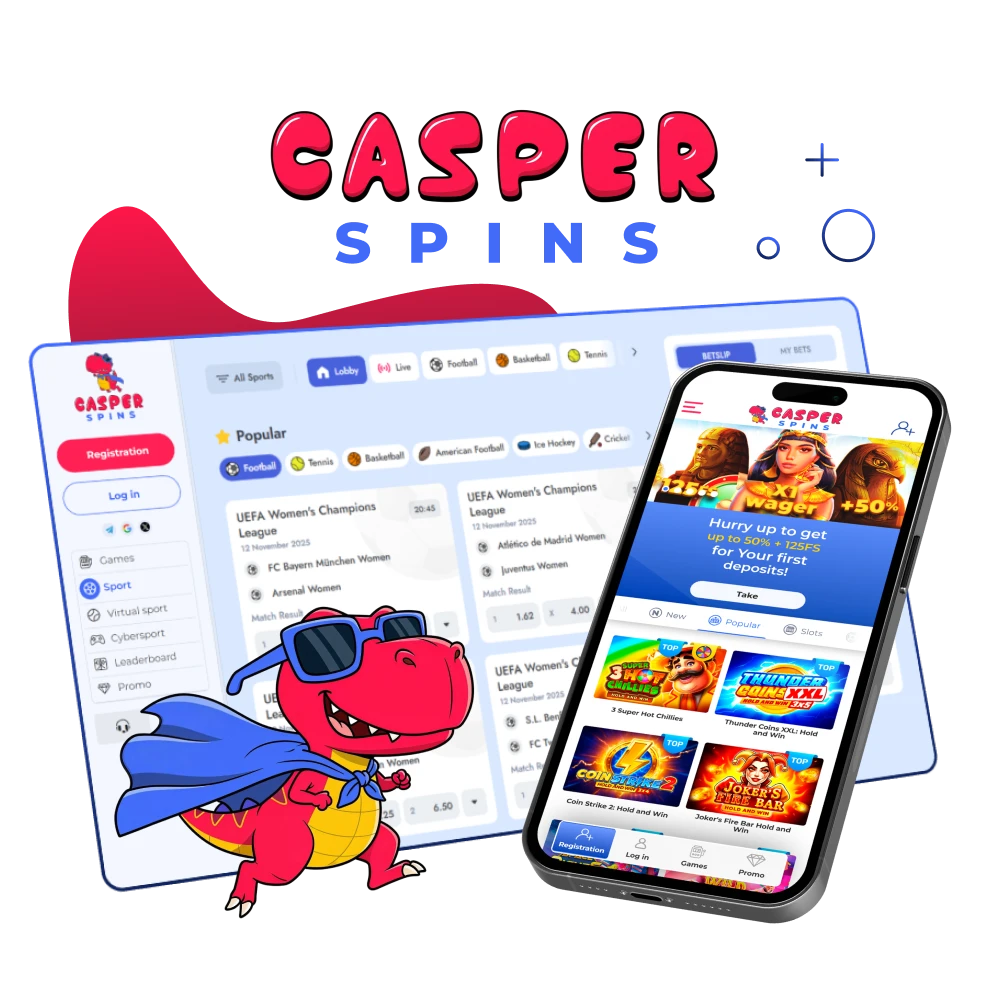
The official Casper Spins application is available on Android and iOS. Install free, log in once, and access sports betting, live odds, slots, tables, and fast payouts on mobile.
You get a compact, quick application focused on real‑money play and payouts.
| Developer | Casper Spins |
| Cost | Free |
| Category | Casino and Sportsbook |
| Supported operating systems | Android 8.0+, iOS 12+ |
| Countries where the app is available | United Kingdom |
| Languages supported | English, German, French, Spanish |
| Currencies supported | GBP, EUR, USD |
| Available in United Kingdom | Yes |
| Welcome bonus for Casino | 50% first deposit + 125 Free Spins. |
| Bet types | Singles, Accas, In-Play, Bet Builder, Cash Out |
| Support Service | Live Chat and Email |
| Customer Support | 24/7 help. Typical live chat wait under 2 minutes |
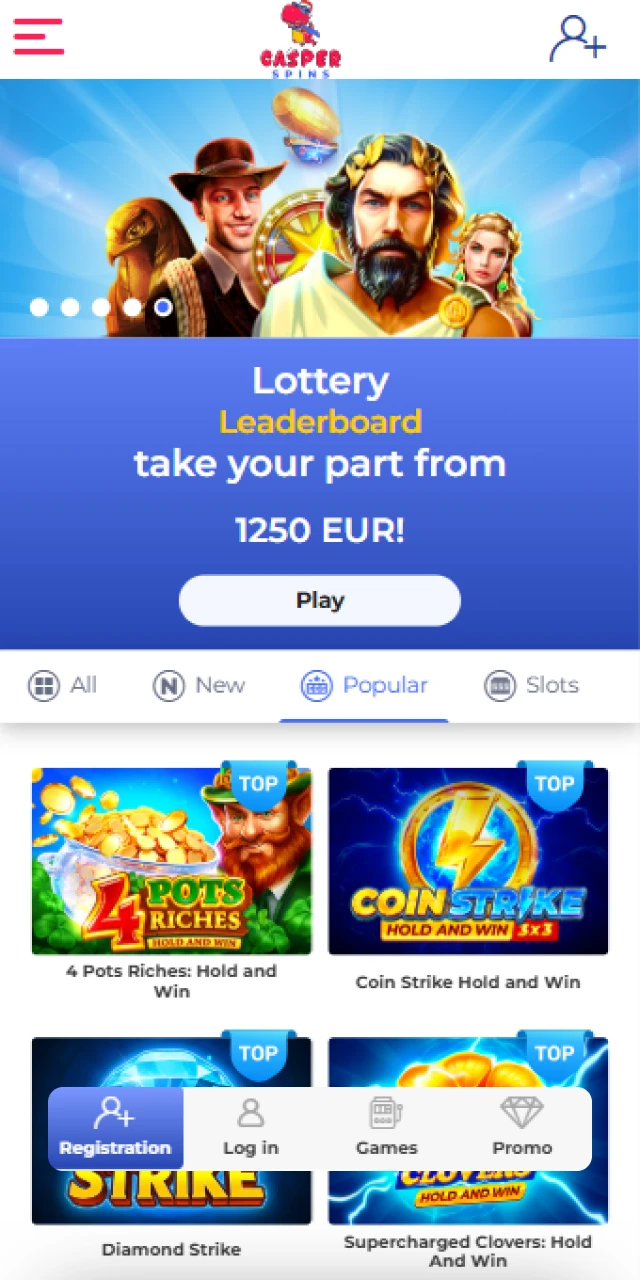
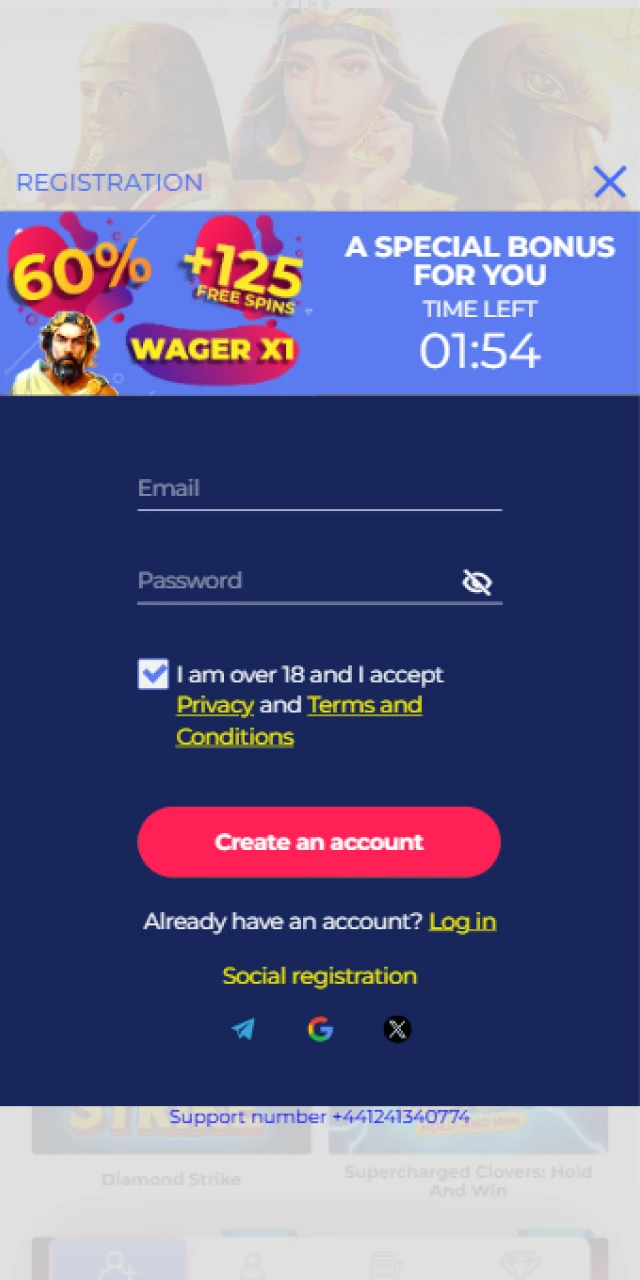
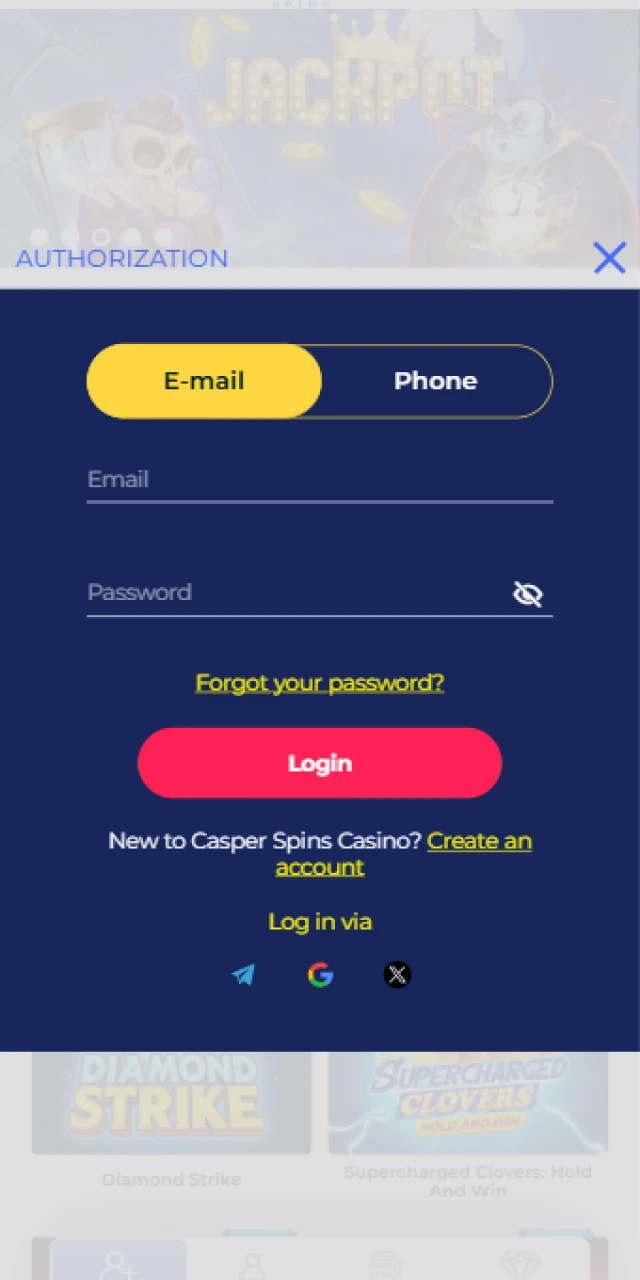
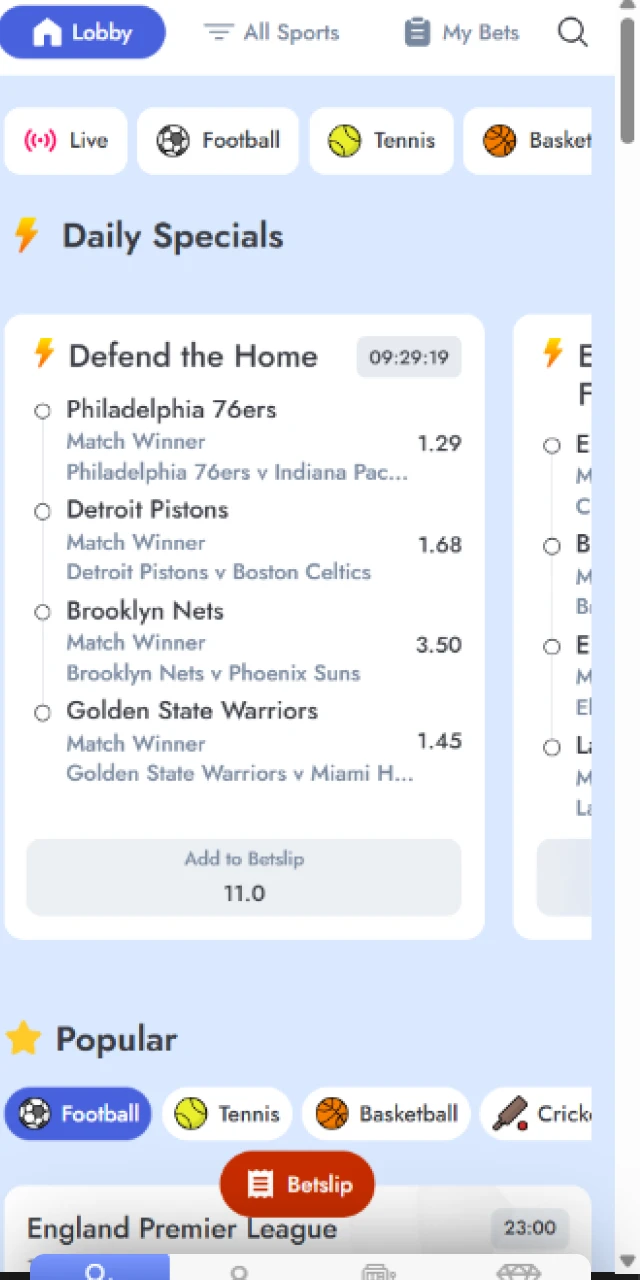
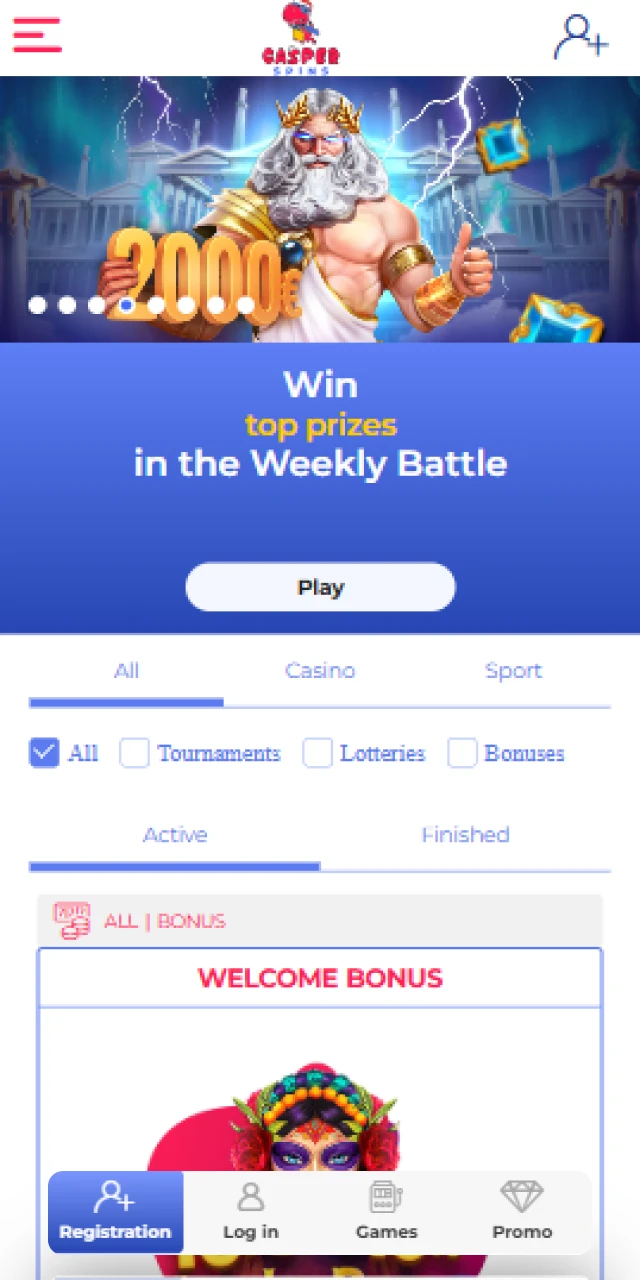
Downloading the Casper Spins APK is quick, safe, and free on Android. Follow four short steps to complete the installation and start betting or playing casino games in minutes. You stay in control at every step
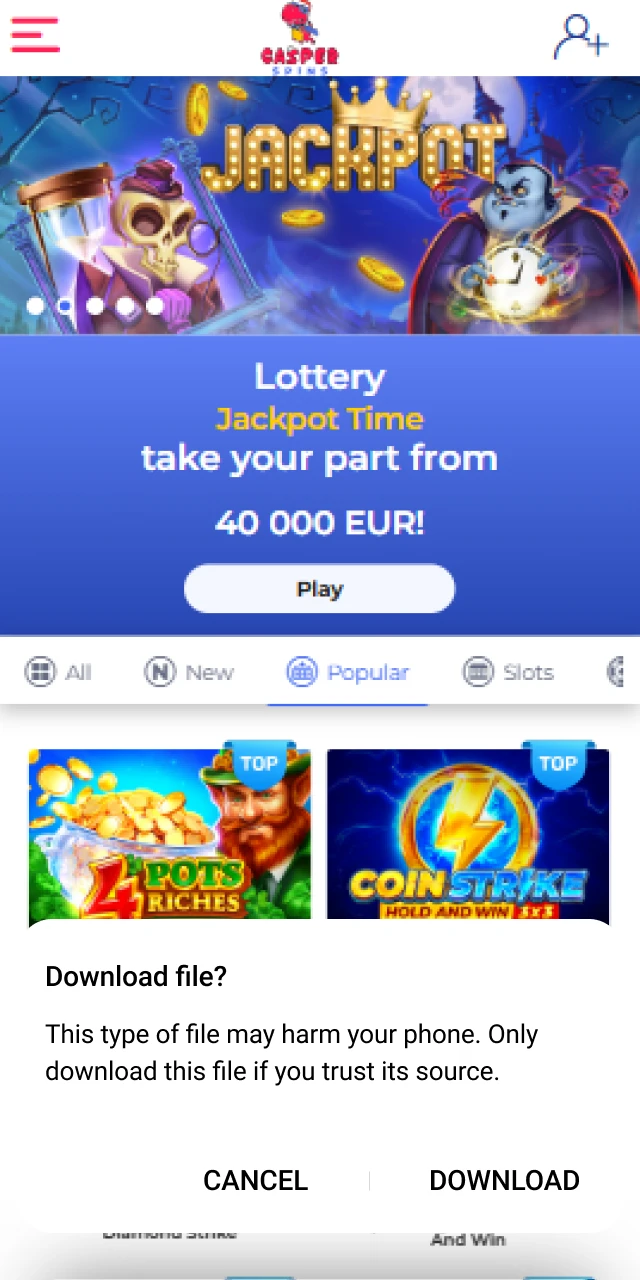
Tap Download on this page to start the APK file. You begin the process instantly.
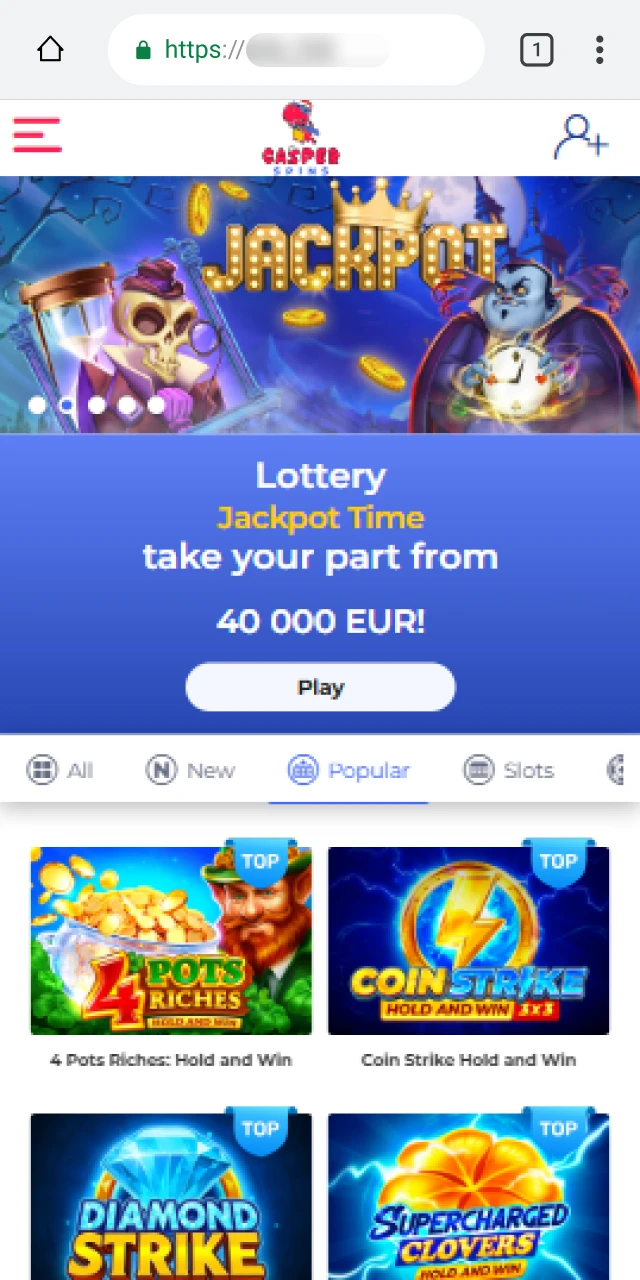
Accept the browser prompt to confirm the APK download. Your file will save to Downloads.
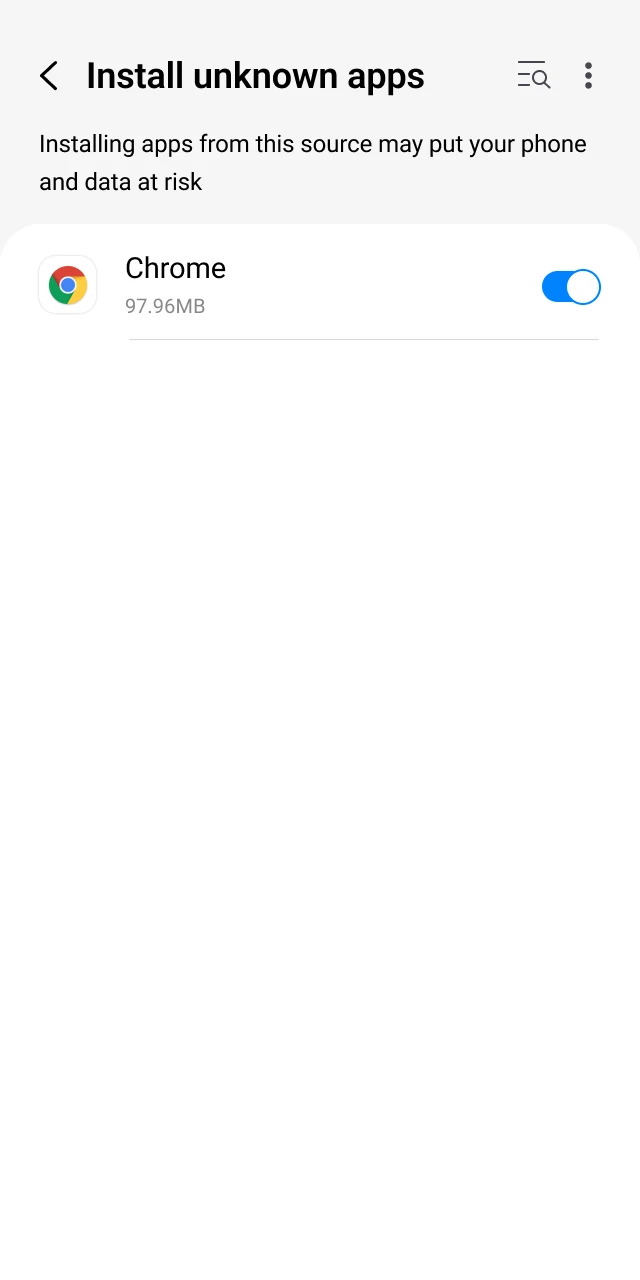
Open Settings, find your browser in Apps, and enable Install unknown apps for it. This allows the APK to install correctly.
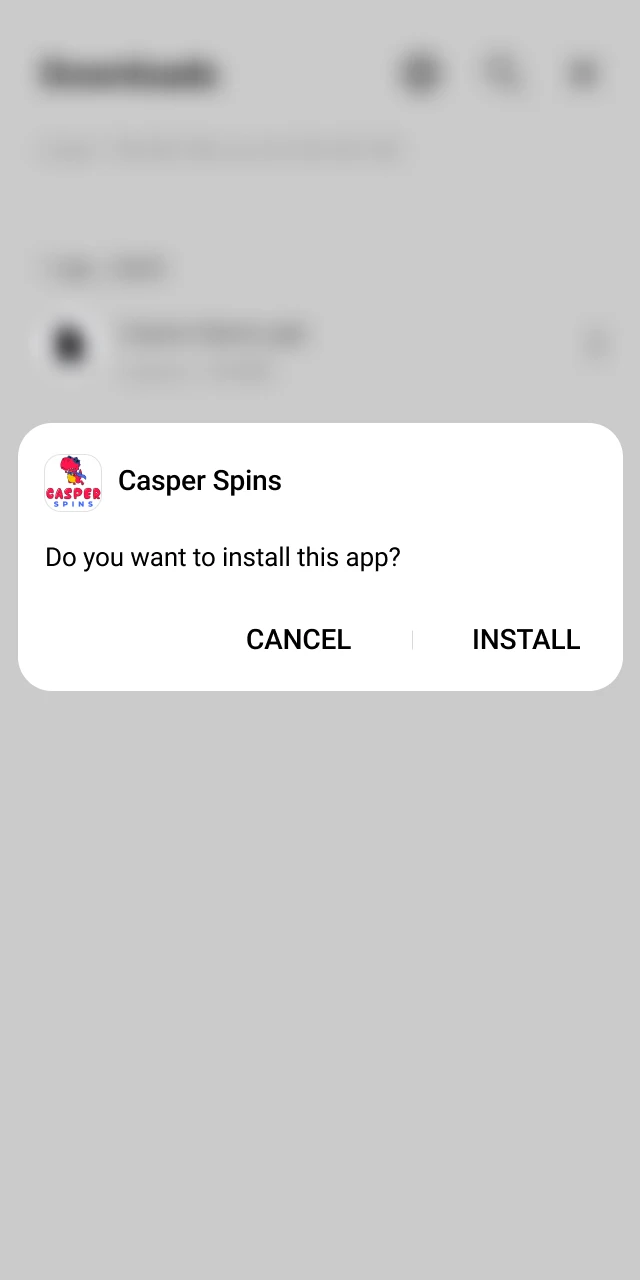
Open your Downloads, tap casperspins.apk, then press Install to finish. You can launch the app right away.
The Casper Spins android app is free to install and built for betting and casino play on the move. Detailed Android installation steps are listed above for a smooth setup. You get fast logins and quick wagers.
Check your device meets these minimum specs before you install the Casper Spins APK android download.
| Requirement | Minimum |
|---|---|
| Android version | 8.0 (Oreo) or newer |
| RAM | 3 GB |
| Free storage | 150 MB |
| Processor | 1.5 GHz quad‑core or better |
Meeting or exceeding these specs ensures stable play and quick loading.
The Casper Spins app runs well on popular Android models in the UK. Below are examples tested by many users:
These devices handle live betting, streaming, and casino games without lag.
Getting the Casper Spins ios application on iPhone or iPad is straightforward and takes five quick steps.
These steps take only a couple of minutes on most iOS devices.
Press the iOS Download button here to open the official App Store listing.
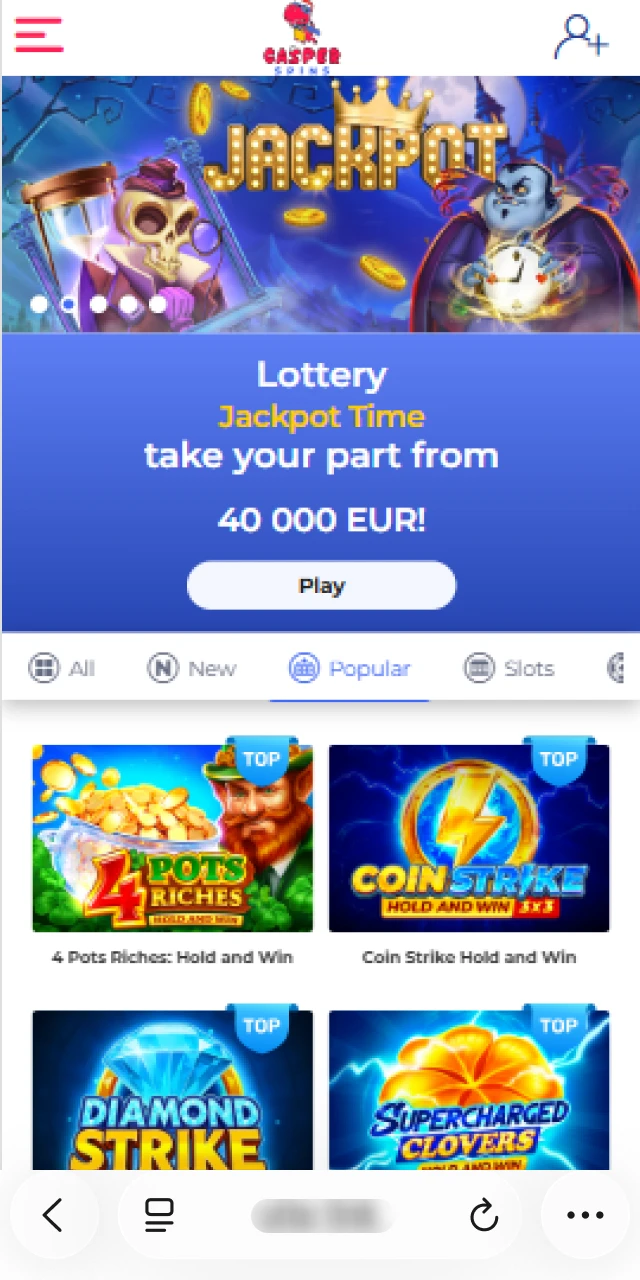
Review the application details, screenshots, and rating to confirm you are on the official page.
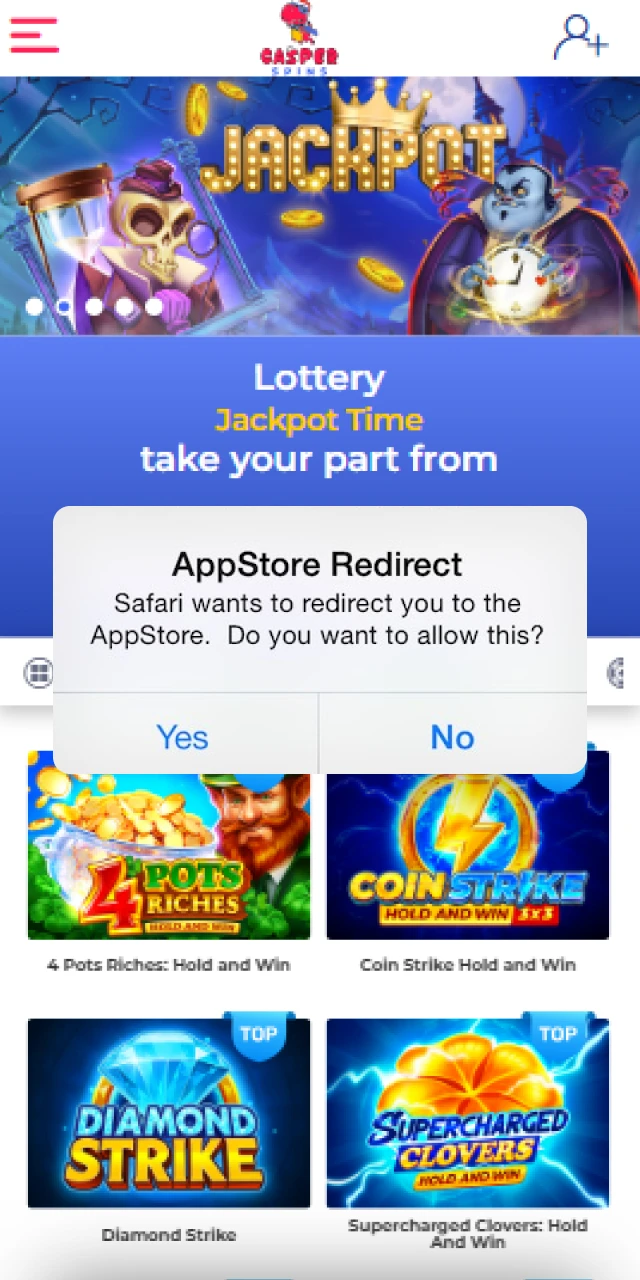
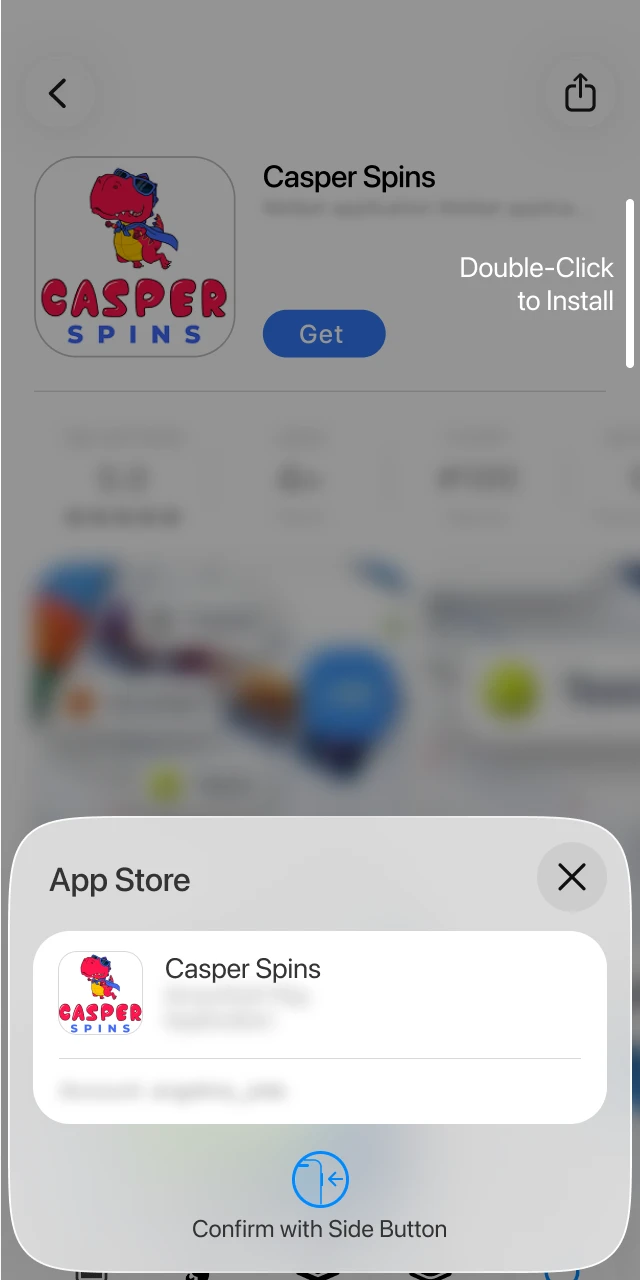
Tap Get, then confirm using Face ID, Touch ID, or your Apple ID password.
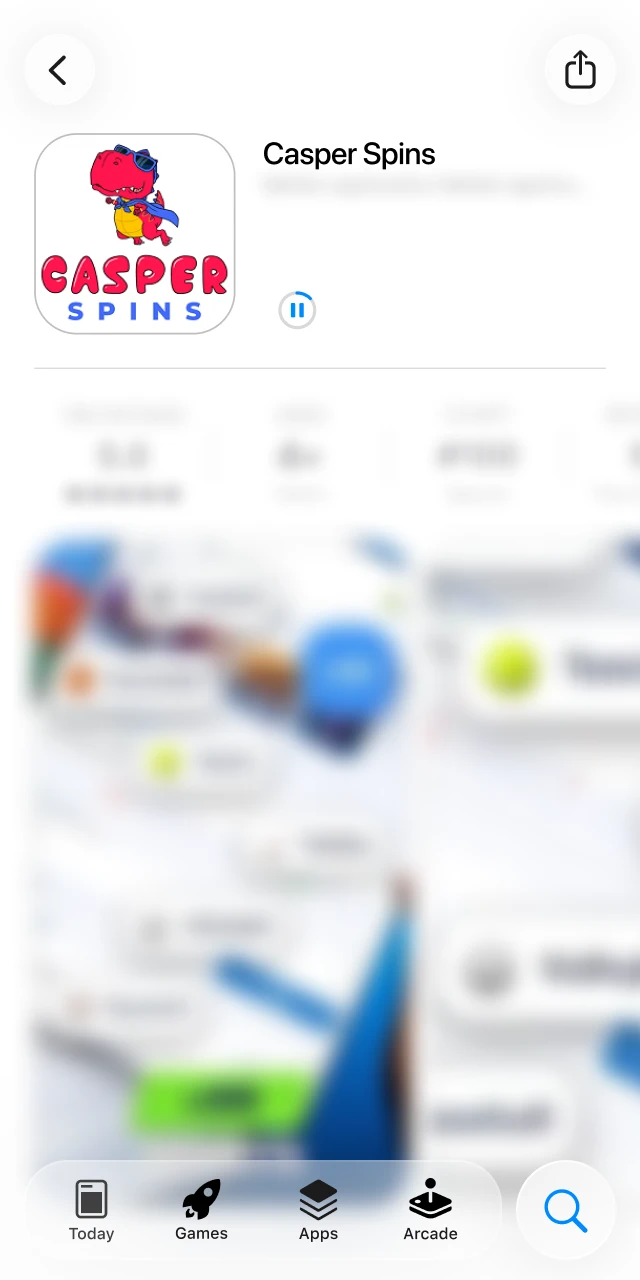
Stay on the screen while the software downloads and installs on your device.
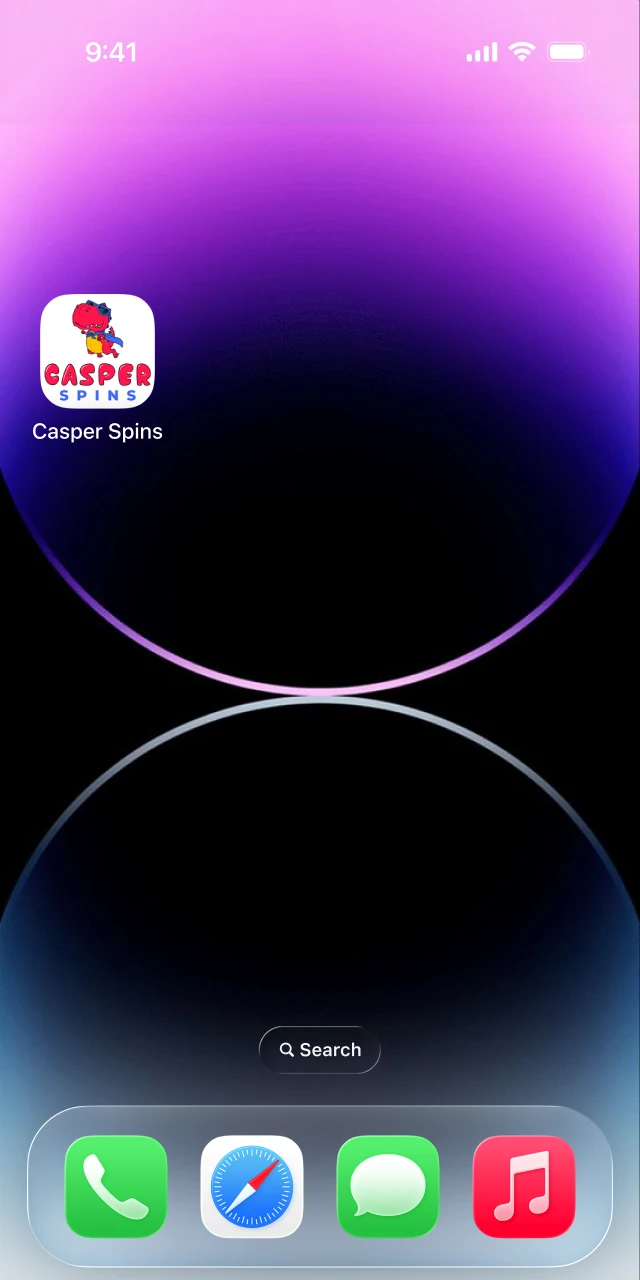
Open the app, log in, or create an account to start betting or playing casino games.
The Casper Spins app for iPhone and iPad is free to download and mirrors the full website experience. Minimum iOS version is 12, and you need about 150–200 MB of free storage. You get low resource use, fast markets, and quick game launches. Everything from deposits to withdrawals is built in. You can play anywhere.
Ensure your device meets these minimum requirements before you install the Casper Spins app for iPhone.
| Requirement | Minimum |
|---|---|
| iOS version | iOS 12 or newer |
| RAM | 2 GB |
| Free storage | 200 MB |
| Processor | Apple A10 Fusion or newer |
Meeting these ensures smooth betting, streaming, and casino play.
The Casper Spins mobile app functions smoothly on recent iOS generations. Compatible models include
You can also install on modern iPad models running iPadOS 12 or newer. You cover all common Apple devices used in the UK.
The table below compares previous and latest Casper Spins APK download builds so you can see meaningful improvements.
| New Version | Old Version |
|---|---|
| 30–40 percent faster startup | Slower launch times |
| Live odds refresh every 1–2 seconds | Live odds refresh every 5 seconds |
| Face ID/Touch ID login supported | Biometric login unavailable |
| Lower crash rate under load | Higher crash rate on busy events |
| Push notifications for goals and payouts | Limited notification options |
| Casino lobby filters by provider and volatility | Basic lobby filters only |
| Smaller APK size via optimisation | Larger download footprint |
Updating gives you speed, stability, and modern features.
Casper Spins signing up in the mobile app is simple and only for users aged 18 or over.
Keep the Casper Spins official app updated for performance and security.
Updates add features, strengthen security, and fix bugs.
New users in the Casper Spins casino app can claim a welcome offer. Choose one of the two options during sign‑up and make the required deposit.
Select your bonus in the registration form, deposit at least £10, and the offer will be credited. You start on better terms from day one.
Placing a bet in the Casper Spins betting app takes moments.
After the event settles, you can withdraw winnings or place your next bet. You stay in control of your bankroll.
There is also a mobile website for all smartphones and tablets. You can place bets, play slots and tables, manage payments, and verify your account without downloading software. It mirrors the app’s core functions and is ideal if you prefer browser access. You decide what suits you best.
The mobile website closely matches the mobile app, but many players prefer the dedicated Casper Spins app for speed and ease of use.
| Application | Site |
|---|---|
| Faster loading and markets refresh | Slightly slower on heavy match days |
| Push notifications for goals, results, bonuses | Browser notifications limited |
| Biometric login and quick re‑entry | Standard password entry |
| Stable live streaming and in‑play tools | Dependent on browser performance |
| Data‑friendly, optimised assets | Browser overhead may increase data |
The mobile app offers superior convenience, speed, stability, and a user‑friendly layout designed for quick bets and fast casino play.
You can bet on a wide range of sports in LIVE and LINE modes. The app supports Singles, Accumulators, and Systems. Every official sport and leading eSport is covered. Each discipline has a stats page for teams and players, and you can watch live matches where available.
You get depth, choice, and fast markets across major events.
The casino area sits beside Sports, so you can switch in one tap. Popular live tables and top slots appear on the home screen. You can play titles from Pragmatic Play, NetEnt, Play’n GO, Red Tiger, and Big Time Gaming. The live casino features real dealers by Evolution and Playtech. Check Promotions for free spins and table offers. You get variety and quick loading.
The Casper Spins mobile app includes advantages designed for speed, control, and quick payouts.
These benefits help you bet and play faster while staying secure.
In the UK, you can pay using debit Visa/Mastercard and leading e‑wallets. Crypto is not available for UK‑regulated accounts.
Casper Spins deposits credit instantly after confirmation. Most e‑wallet withdrawals arrive in minutes, bank transfers in hours, and cards in 1–3 working days. Minimum deposit is £10; minimum withdrawal is £10. You can manage payments 24/7 in the app.
Yes. The application operates under an official gambling licence and follows industry regulations for fairness and security. SSL certificates and strong encryption protect your data, payments, and sessions. You also get device‑level safeguards and account controls to keep activity secure. You can download and use the app in a regulated environment.
No. UK rules allow debit cards only. Use Visa Debit or Mastercard Debit, plus approved e‑wallets and bank transfer.
Yes. Go to Account > Verification to upload documents. Most checks complete the same day.
Yes. Eligible markets show a Cash Out button in the bet history and live event screen.
Go to Settings > Notifications and choose goals, results, price boosts, and bonus alerts.
Ensure enough storage, enable Install unknown apps for your browser, download the latest file, and try again.
Updated: